Case Study: Portfolio Website + SEO on Every Page
A portfolio website with SEO on every page now brings the client 3–4 enquiries a month from Google alone. What the review says and what we learned.
 Uday SatputeFounder & CEO, Clickhold7 min read
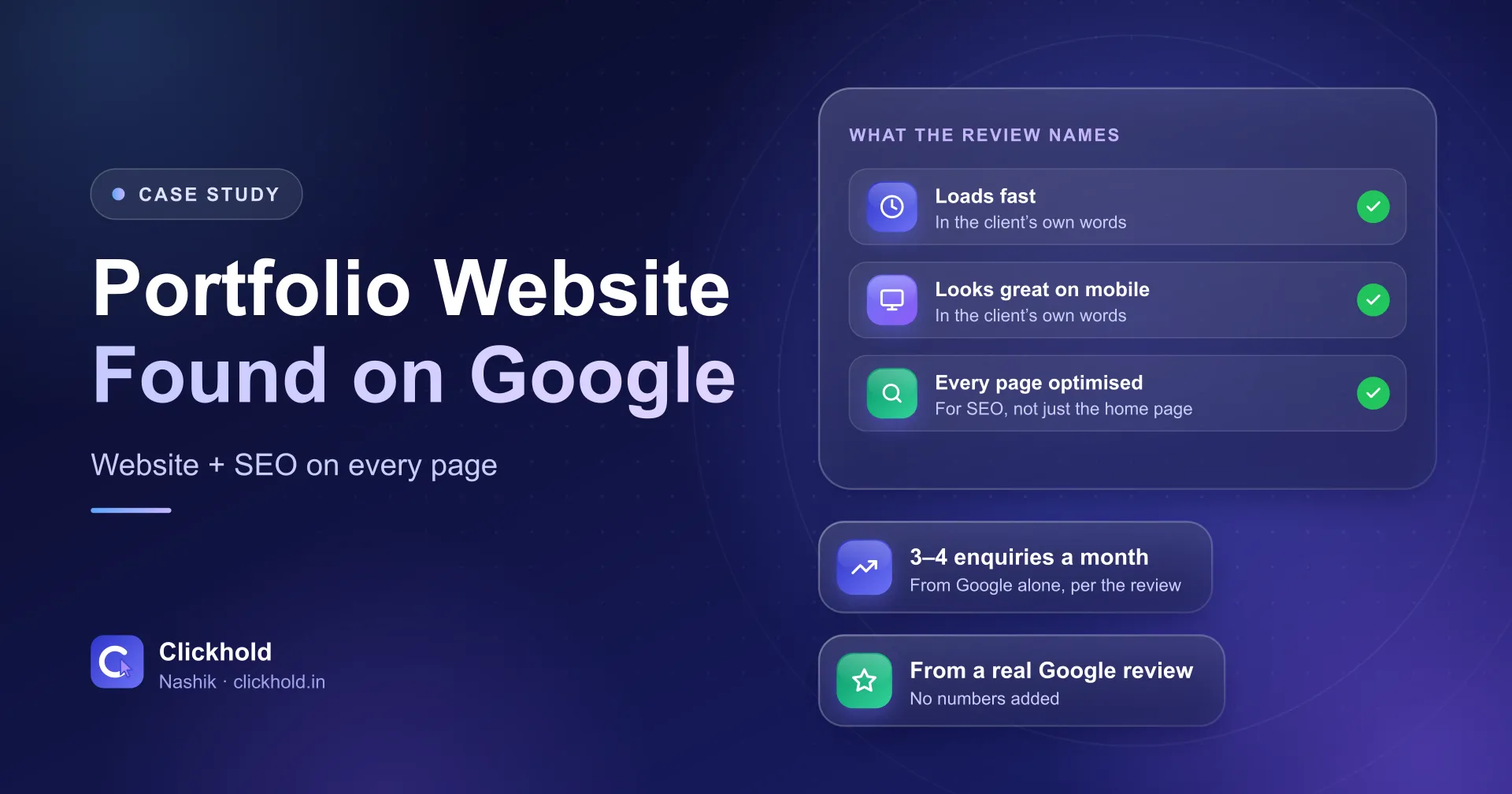
- Portfolio siteprofessional and found on Google
- Every pageoptimised for SEO, per the review
- 3–4 a monthclient enquiries from Google alone
- 5★ reviewwritten by the client
On this page
Quick answer
A client asked Clickhold for a portfolio website that looked professional and could be found on Google. In their own Google review, they say the site loads fast, looks great on mobile, has every page optimised for SEO – and now brings 3–4 client enquiries per month from Google alone.
Case study
Portfolio website
Location not named in the review
3–4 Google enquiries a month
Challenge
The client needed a portfolio website that looked professional and could be found on Google.
Result
The site loads fast, looks great on mobile, has every page optimised for SEO, and now brings 3–4 client enquiries per month from Google alone.
“The site loads fast, looks great on mobile, and he even optimised every page for SEO. I now get 3–4 client enquiries per month from Google alone.”
Key takeaways
- The brief, in the client's words: a portfolio website that looked professional and could be found on Google.
- The review names three things about the site: it loads fast, looks great on mobile, and every page is optimised for SEO.
- The result they report: 3–4 client enquiries per month from Google alone.
- SEO on every page – not just the home page – gives each kind of work its own chance to match a search.
- This was one client's experience, not a promise; nobody can guarantee rankings or enquiry numbers.
A client came to me needing a portfolio website that looked professional and could be found on Google. In their Google review, they say the site loads fast, looks great on mobile, and that I optimised every page for SEO. The result, in their words: 3–4 client enquiries per month from Google alone.
I’m Uday from Clickhold. In this case study I’ll go through what the client asked for, what the review says about the work, and the one lesson I think matters most for any portfolio website: SEO has to cover every page, not just the home page. Every result here comes from the client’s own review. I haven’t added numbers or details they didn’t share.
What did the client need?
Two things: a portfolio that looked professional, and a site people could find on Google. Here is the review in full:
“I needed a portfolio website that looked professional and could be found on Google. Uday built exactly that. The site loads fast, looks great on mobile, and he even optimised every page for SEO. I now get 3–4 client enquiries per month from Google alone. Highly recommend for anyone needing web development and SEO services.”
– Neha S. (Google review)
Those two goals often pull in different directions. A portfolio wants big photos and a clean, minimal look. Google wants text it can read, clear headings and fast pages. The job is to do both without one spoiling the other.
The review doesn’t say what the client’s profession is or where they work, so I won’t guess. What follows applies to anyone who sells through their work: photographers, designers, architects, consultants, writers, makeup artists and so on.
What does the review say about the portfolio website?
Three things, all in the client’s own words: it loads fast, it looks great on mobile, and every page is optimised for SEO.
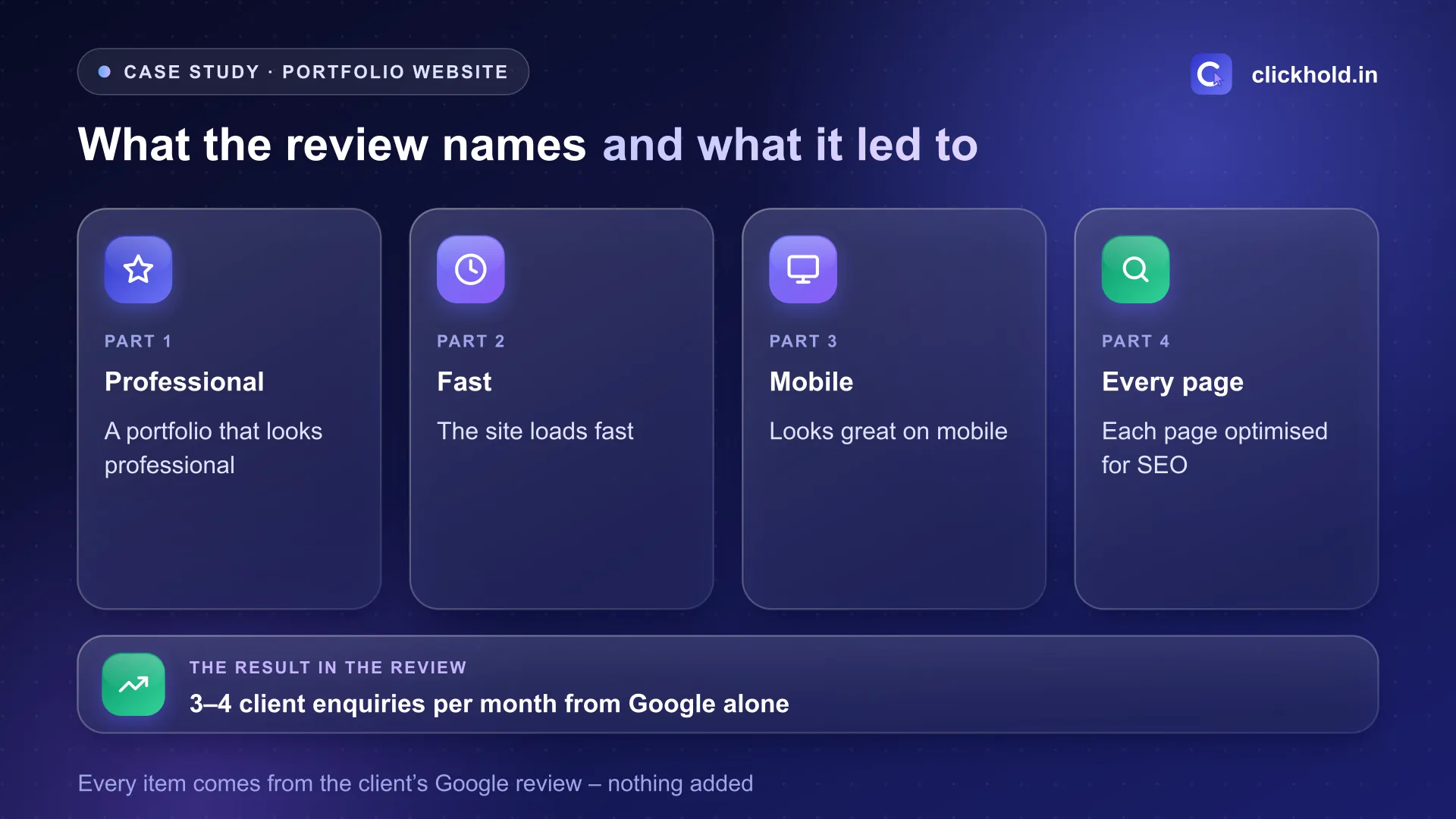
Every part of this diagram comes from the client's Google review.
Here is why each one matters for a portfolio.
“Loads fast”
Portfolio sites are usually slow for one reason: large, uncompressed photos. A visitor on mobile data won’t wait for a gallery to crawl in. I resize every image to the size it is shown at, compress it, and load photos lower down the page only when the visitor scrolls to them.
“Looks great on mobile”
Most people look up a professional on their phone, often straight after hearing the name. Google also uses the mobile version of a site for indexing and ranking. So the phone layout isn’t an afterthought – I design the work grid, text and contact buttons for a small screen first.
“Optimised every page for SEO”
This is the part I want to spend time on, because it’s the one most portfolio sites miss.
Why does SEO on every page matter for a portfolio?
Because each page can match a different search – but only if it’s set up for that search. Many portfolio sites put all their effort into the home page. The project pages and service pages underneath have no proper title, no text and images named “IMG_2041.jpg”. To Google, those pages say almost nothing.
When every page is optimised, each one can answer its own question. Someone searching for one specific kind of work can land on the page about that work, not on a general home page they have to dig through.
Here is what “optimised” means on a single page, the way I usually do it:
- One topic per page. One service or one kind of project – not everything mixed together.
- A clear title and description. The topic in plain words, the way a client would search for it.
- One main heading that says what the page is about, with simple sub-headings below.
- Real text next to the photos. A few lines on the brief, the approach and the result – Google can't read a photo the way a person can.
- Named images with alt text. Descriptive file names and alt text, placed near the related text, as Google's image guidelines recommend.
- A way to get in touch on every page – the enquiry shouldn't depend on finding the contact page.
None of this is a trick. It simply makes each page clear – to the visitor and to Google at the same time.
What were the results?
Exactly as the client wrote them:
- A portfolio website that looks professional and can be found on Google.
- The site loads fast and looks great on mobile.
- 3–4 client enquiries per month from Google alone.
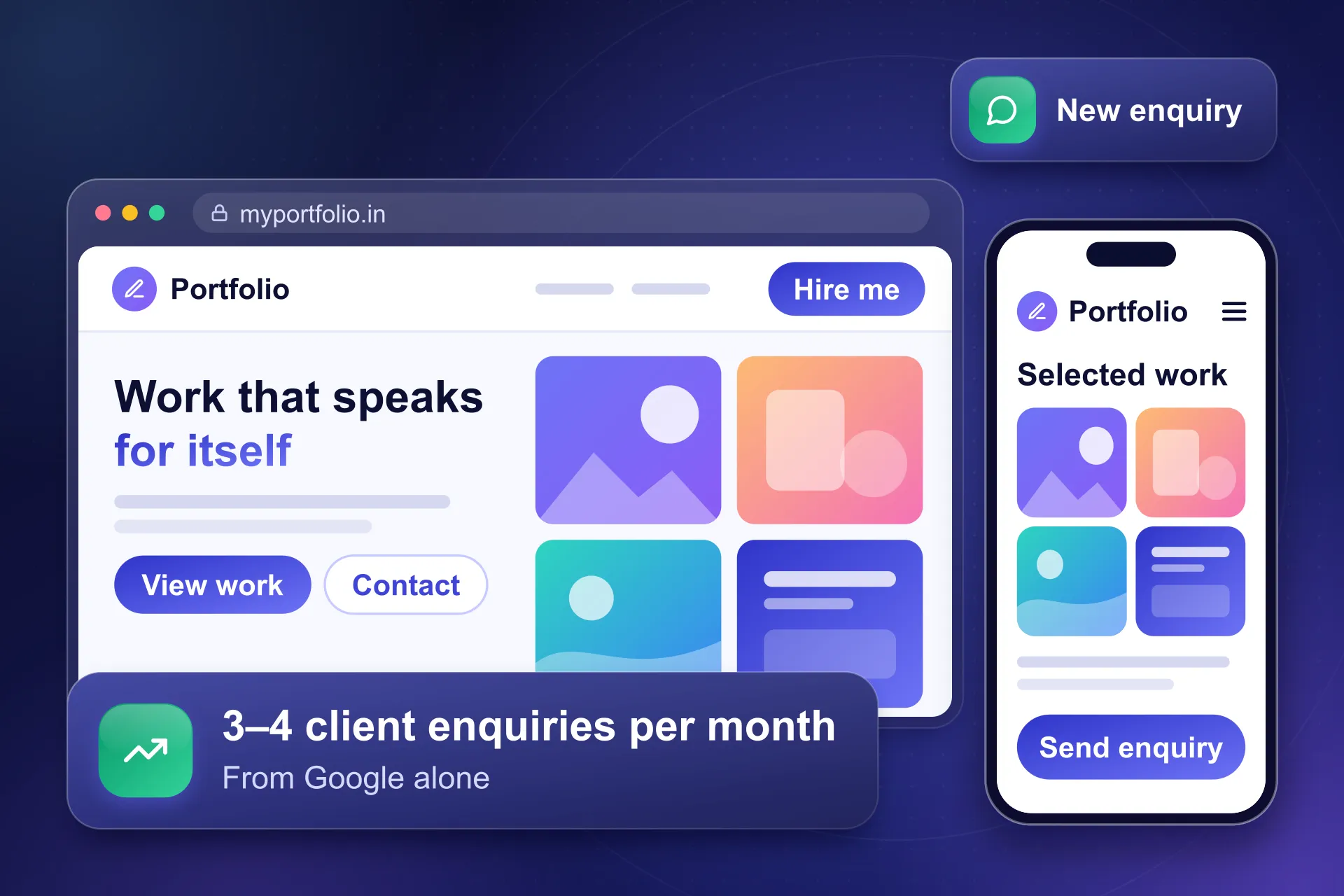
An illustration from our portfolio page, not a screenshot of the client's site – the result card quotes their review.
That’s all I’ll claim. The review doesn’t say how long it took, which searches the site appears for, or what the enquiries turned into, so I won’t guess.
A note on numbers
3–4 enquiries a month was this client's experience with their site. Google itself says no one can guarantee a #1 ranking, and enquiry numbers depend on your field, your competition and your content.
How do you know enquiries come “from Google alone”?
By tracking where each enquiry starts. The client could tell their enquiries came from Google – that’s what makes the number useful. On the websites I build, I set up two things for this:
| Tool | What it shows |
|---|---|
| Google Search Console | Which searches showed your pages, and how often people clicked |
| Google Analytics | Which visits led to a form, a call tap or a WhatsApp tap |
Asking every new client “how did you find me?” is still the simplest check of all. Put together, these tell you whether the website is pulling its weight – which matters more than any single ranking.
What can other professionals learn from this?
- Search for your own work in a private window – your service plus your city. Which page of yours shows up, if any?
- Give each kind of work its own page. One page that tries to cover everything matches nothing well.
- Write a few lines under every project. The brief, what you did, the result. Real text helps people and Google.
- Check your site on a phone, on mobile data. If the gallery is slow, the photos are too big.
- Put contact buttons on every page, not just the contact page.
- Track enquiries, not just visits. Know which ones came from Google.
For another portfolio story, read the interior designer case study – a different client and a different review, with the same two services. For prices, see my guides to website cost in Nashik and SEO cost per month in Nashik.
Would this work for your business?
If clients judge you by your work before they get in touch, a portfolio website with SEO on every page is where I’d start. Website development starts from ₹5,999 for 6–10 pages, and SEO services start from ₹5,599 per month with no long lock-in.
Already have a site? Send me the link on WhatsApp with the kind of work you want to be found for. I’ll tell you honestly which pages I’d fix first.
Want us to look at your business?
Send a WhatsApp message – you'll get honest advice and a clear, written price.
Frequently asked questions
How many enquiries does the portfolio website bring?
In the client's Google review, they say they now get 3–4 client enquiries per month from Google alone. That is their figure for their site; another business could get more or fewer depending on its field, competition and content.
What does “every page optimised for SEO” mean?
Each page gets its own title, description, main heading, clear text and named images for the one topic it covers. Then a search for any kind of work can land on the page about that work, not only the home page.
Why does a portfolio website need to look great on mobile?
Because most people look you up on a phone. Google also uses the mobile version of a page for indexing and ranking, so a site that works badly on phones is weaker on both counts.
How much do a website and SEO cost with Clickhold?
A business website starts from ₹5,999 for 6–10 pages, and monthly SEO starts from ₹5,599 per month with no long lock-in. Domain and hosting are at actual cost, in your name. You get a fixed quote first.
Why doesn't this case study name the client's field or city?
Because the review doesn't, and we only publish what the client shared publicly. We never name a client's business, profession or location without permission.