Google Ads AI Max Auto-Upgrade: What to Check (2026)
From September 2026 Google is moving eligible Search campaigns to AI Max. What changes, which settings turn on and what Nashik advertisers should check.
 Uday SatputeFounder & CEO, Clickhold7 min read
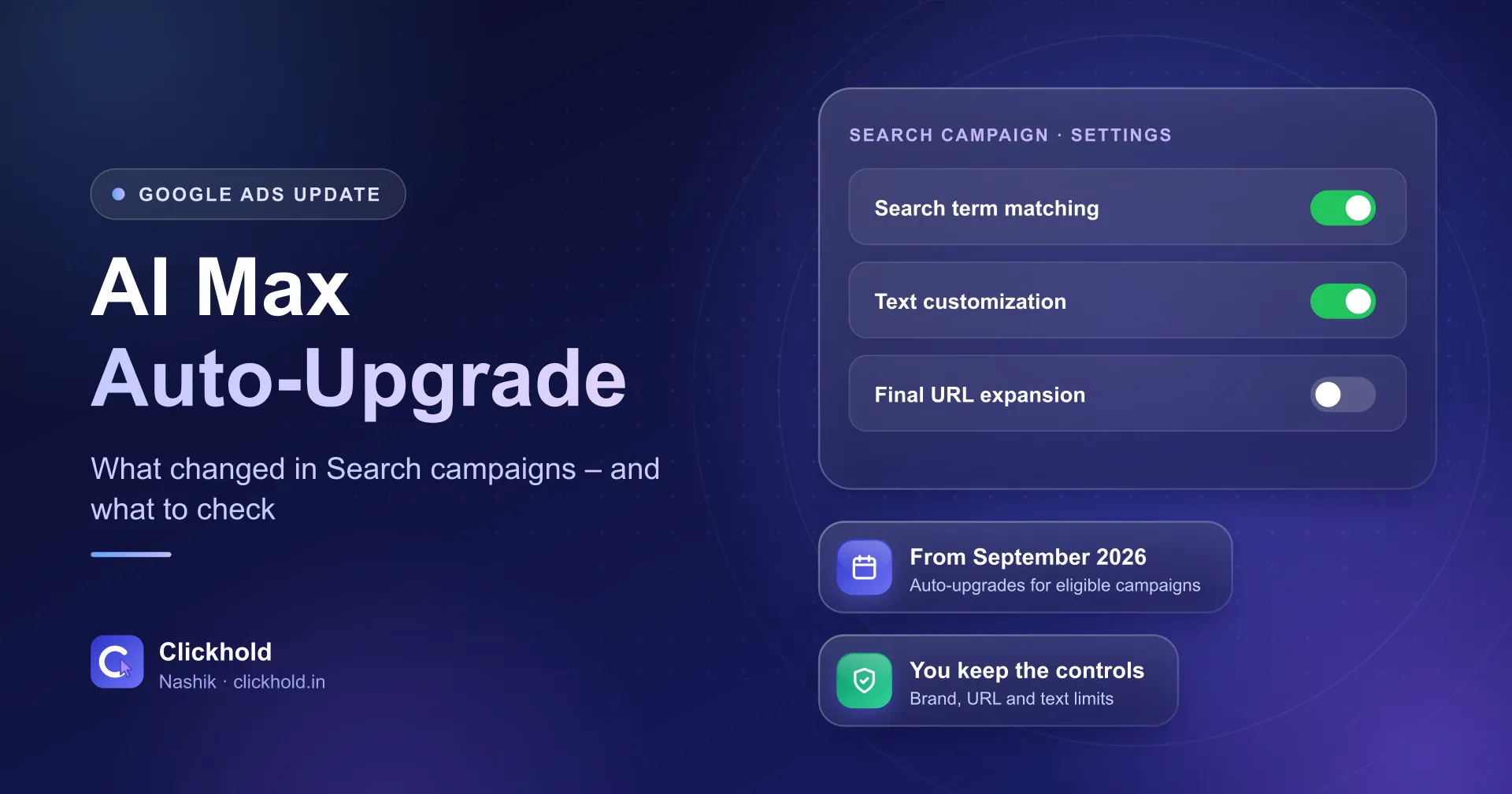
- Sep 2026auto-upgrades begin for eligible campaigns
- Feb 2027new date for Dynamic Search Ads
- Controlsbrand, URL and text limits stay yours
On this page
Quick answer
From September 2026, Google Ads is automatically upgrading eligible Search campaigns that use automatically created assets or campaign-level broad match to AI Max. Search term matching (and for assets, text customization) is switched on by default. Dynamic Search Ads move later, from February 2027. Check your search terms, ad text and controls now.
Key takeaways
- AI Max for Search campaigns left beta in April 2026. It is a set of settings inside a normal Search campaign, not a new campaign type.
- Google said campaigns using automatically created assets or campaign-level broad match would start upgrading automatically in September 2026.
- The Dynamic Search Ads sunset and auto-upgrade were moved to February 2027.
- After an upgrade, check the search terms, the ad text Google writes and your brand and URL controls – each feature can be adjusted.
- Judge the change by cost per real enquiry over a few weeks, not by clicks.
From September 2026, Google Ads is automatically upgrading eligible Search campaigns that use automatically created assets or campaign-level broad match to AI Max. Search term matching – and, for automatically created assets, text customization – is switched on by default. Dynamic Search Ads move later, from February 2027. If you run Google Ads, check your search terms, ad text and controls now.
I’m Uday from Clickhold. I manage Google Ads for small businesses in Nashik, and several owners have asked me about a new “AI Max” label in their accounts. Here is what changed, from Google’s own announcements, and what I’d check this week.
What did Google announce?
AI Max left beta, and older Search settings are being moved into it. Google’s Ads & Commerce blog announced on 15 April 2026 that AI Max for Search campaigns is “moving out of beta” and set out a timeline:
- Phase 1 – voluntary upgrades. Tools and a banner in Google Ads to upgrade yourself.
- Phase 2 – automatic upgrades from September 2026 for eligible campaigns, with notifications sent first.
A note added to the same post on 11 June 2026 says the Dynamic Search Ads (DSA) sunset and auto-upgrade will now begin in February 2027. The auto-upgrades for automatically created assets and campaign-level broad match still start in September 2026.
So if your Search campaign uses either of those two settings, it may already have been upgraded.
What is AI Max, in plain words?
It is a group of settings inside a normal Search campaign, not a new campaign type. Google’s AI Max help page calls it “an optimization layer within existing Search campaigns”. It has three main features:
| Feature | What it does | What it means for you |
|---|---|---|
| Search term matching | Shows your ads on more searches related to your keywords and website | More reach – and more chance of unrelated clicks |
| Text customization | Writes headlines and descriptions from your website, landing pages and existing ads | Ad text you didn’t write yourself |
| Final URL expansion | Sends people to the page on your site that best fits their search | Visitors may land on a page other than the one you chose |
The help page also says new Search campaigns have AI Max on by default, and existing campaigns can opt in.
What exactly gets switched on?
It depends on which old setting your campaign used. According to Google’s announcement:
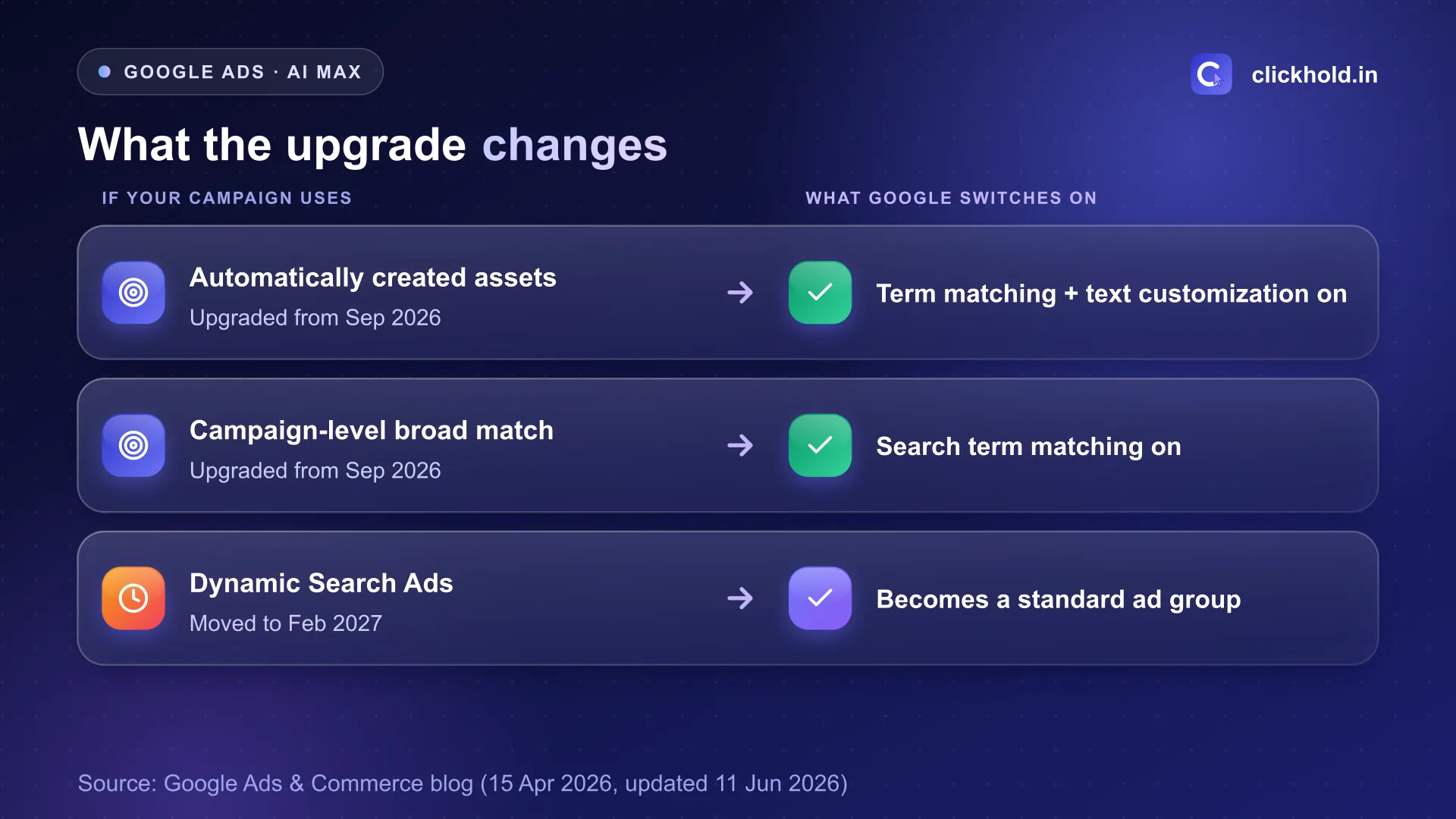
Based on Google's Ads & Commerce blog post of 15 April 2026, updated 11 June 2026.
- Automatically created assets → search term matching and text customization on by default.
- Campaign-level broad match → search term matching on by default.
- Dynamic Search Ads (from February 2027) → dynamic ad groups become standard ad groups, with search term matching, text customization and final URL expansion on. Google says legacy URL controls are kept.
Why should a Nashik business care?
Because a local business pays for every click, and wider matching can bring the wrong ones. A big online store can absorb some waste. A clinic on College Road or a hotel near Nashik Road station often can’t.
Two examples to show the idea (not client results):
- A dental clinic bids on “dentist in Nashik”. With wider matching, the ad might also show for “dental college admission Nashik” – a click that will never become a patient.
- A furniture showroom has a page about office chairs. Final URL expansion might send someone searching for “sofa set price” to a blog post instead of the sofa page.
Neither is guaranteed to happen. But you won’t know unless you look. That’s the point of this update: the settings changed, so the checking has to happen again.
What should you check this week?
Six things, in this order. They take about half an hour in most small accounts.
- Look for the upgrade. Open your Search campaign settings and see whether AI Max or its features are on. Check your Google Ads notifications and email too.
- Read the search terms report. Sort by cost. Add negative keywords for searches that can never become customers – jobs, courses, free, other cities you don't serve.
- Read the ad text Google wrote. If text customization is on, check the generated headlines for wrong prices, offers you don't run or claims you can't keep.
- Set the controls. Google's help page lists brand exclusions and inclusions, URL exclusions and inclusions, and text guidelines that block words or set the tone. Exclude pages like careers or old offers.
- Check your locations. Wider matching doesn't change who you target by area – but confirm the campaign still targets the parts of Nashik you serve.
- Compare cost per enquiry. Note calls, WhatsApp chats and form leads before and after. Give it two to four weeks before deciding.
You can change it
Google's help page says you can opt out of all AI Max settings, or adjust features one by one. If you turn off text customization, the assets it created show as "Removed" and stop serving. Don't switch everything off in a panic – first see what the data says.
What else did Google say in September?
A new report that shows the whole journey from search to landing page. On 23 September 2026, Google described a reporting view for AI Max: which search terms triggered your ads, which assets people saw and where they landed on your website. Google said it will share more details and availability later this year.
For small advertisers, that report will be the easiest way to answer “is AI Max bringing me the right people?” Until it arrives, the search terms report and your own enquiry count do the job.
Is AI Max good or bad for small businesses?
Neither on its own – it depends on what you give it. AI Max reads your website and existing ads. If your site is clear about what you sell, where and at what price, the ads it writes and the pages it picks have a better chance of being right. If your site says “all types of services”, it has little to work with.
That’s why I set three things up before turning AI Max on for a client:
- A clear landing page per service, with the area of Nashik and the price or price range. My guide to website cost in Nashik explains what such a page needs.
- Tight location targeting. For a neighbourhood business I often use Google’s “Presence” location option – see how I set it up for Google Ads in CIDCO and the two-campaign setup for Google Ads in Nashik Road.
- Real conversion tracking – calls, WhatsApp clicks and forms – so Google learns from enquiries, not just clicks.
Nobody can promise that AI Max will lower your cost per lead. Test it on one campaign, compare honestly, then decide.
My advice
Open your Google Ads account this week and check whether your Search campaigns were upgraded. Read the search terms and the generated ad text, set your brand and URL controls, and keep counting real enquiries. If your account has Dynamic Search Ads, you have until February 2027 – but upgrading on your own terms is better than waiting for the automatic switch.
If you’d like me to look, my Google Ads management starts from ₹5,400 per month plus your own ad budget, run in an account in your name. My Google Ads cost guide explains budgets. Or send me a screenshot of your campaign settings on WhatsApp and I’ll tell you what changed.
Want us to look at your business?
Send a WhatsApp message – you'll get honest advice and a clear, written price.
Frequently asked questions
What is AI Max for Search campaigns?
Google describes it as an optimisation layer inside existing Search campaigns. It can match your ads to more searches, write ad text from your website and send people to the most relevant page. Google says new Search campaigns have it on by default.
Will my Google Ads campaign be upgraded automatically?
If your Search campaign uses automatically created assets or campaign-level broad match, Google said these auto-upgrades would start in September 2026, with notifications first. Dynamic Search Ads campaigns move later, from February 2027.
Can I turn AI Max off after the upgrade?
Google's help page says you can opt out of all AI Max settings, or change features one by one. For example, if you turn off text customization, the assets it created show as 'Removed' and stop serving.
Does AI Max cost extra?
There is no separate fee for AI Max. You still pay Google for clicks as usual. Because it can show your ads on more searches, watch your spend and cost per enquiry for the first few weeks.
Should a small Nashik business use AI Max?
It can work, but only with clear controls: a good website, location limits, negative keywords and brand or URL rules. I test it on one campaign first and compare cost per real enquiry before using it everywhere.