How to Rank on Google Maps in Nashik (2026 Guide)
How to rank on Google Maps in Nashik: set the right categories, get genuine reviews, keep NAP consistent and avoid mistakes that get profiles suspended.
 Uday SatputeFounder & CEO, Clickhold8 min read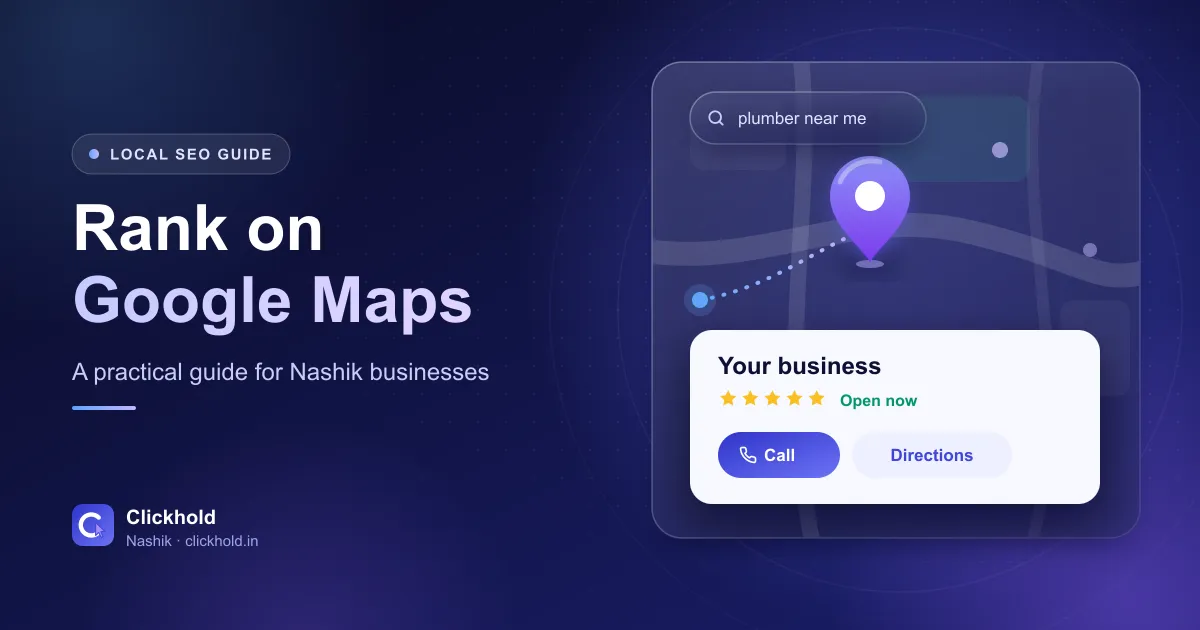
- 3 main factorsrelevance, distance and prominence
- Genuine reviewsa steady flow, never bought
- ₹2,799one-time profile optimisation
- No guaranteesGoogle decides the rankings
On this page
- 01How does Google decide who shows on the map?
- 02How do you choose the right categories?
- 03What should your business name look like on Google?
- 04Why does NAP consistency matter?
- 05How do you set up service areas correctly?
- 06What should you fill in on your profile?
- 07How do you get more genuine Google reviews?
- 08Do Google posts and Q&A still matter?
- 09How does your website help you rank on Maps?
- 10Should you list your business on Justdial, IndiaMART and Sulekha?
- 11What should you NOT do?
- 12How long does it take to rank on Google Maps?
- 13Checklist
- 14Need help?
Quick answer
To rank on Google Maps in Nashik, complete and verify your Google Business Profile with the right categories and real photos, collect genuine reviews regularly, and keep your name, address and phone the same everywhere online. Google decides the rankings, so nobody can guarantee a position, but a complete and active profile gives you the best chance.
Key takeaways
- Google ranks local results mainly on relevance, distance and prominence – you can improve two of the three.
- Choose a specific primary category and keep your business name exactly as on your signboard.
- Keep your name, address and phone the same on Google, your website and directories.
- Ask every happy customer for a review and reply to every review, good or bad.
- Avoid fake reviews, keyword-stuffed names and virtual offices – they can get a profile suspended.
To rank on Google Maps in Nashik, you need a complete, verified Google Business Profile with the right categories, genuine reviews, real photos and the same name, address and phone number everywhere online. Nobody can guarantee a top position, because Google decides, but these steps give your business the best possible chance.
When someone searches “dentist near me” or “AC repair Nashik Road”, Google usually shows a map with a few businesses before the normal results, and those businesses get most of the calls. Below is what I check and fix on every Google Business Profile I work on – in plain language, so you can do most of it yourself.
How does Google decide who shows on the map?
Google says local results are based mainly on three things (Google’s own explanation):
- Relevance – how well your profile matches what the person searched for.
- Distance – how far your business is from the searcher, or from the area named in the search.
- Prominence – how well known and trusted your business is, including reviews, mentions on other websites and your own website.
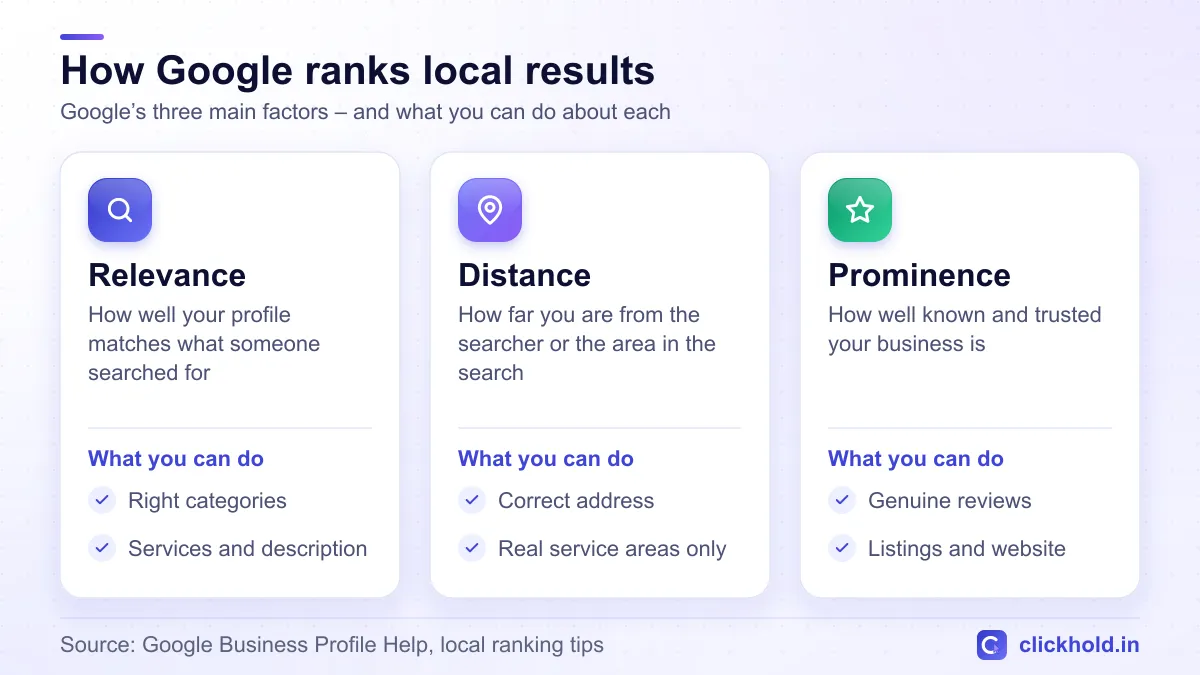
Google's three main local ranking factors, and what you can control.
You can’t move your shop closer to every customer, but you can improve relevance and prominence. That’s what the rest of this guide covers.
How do you choose the right categories?
Categories are one of the strongest signals on your profile, and they are often set wrong.
Primary category
Choose the one category that best describes your main business. Be specific: “Dentist” rather than “Doctor”, “Hardware store” rather than just “Store”. Search your main service on Google Maps and look at the category shown under the top businesses – that tells you what Google connects with that search.
Secondary categories
Add a few more only if they truly describe what you do. A bakery that also takes custom cake orders can add “Cake shop”. Don’t add every loosely related category – it can confuse Google.
What should your business name look like on Google?
Your name on Google must be your real-world business name – exactly as it appears on your signboard, bills and documents. Google’s guidelines for representing your business are clear about this.
So if your board says “ABC Opticians”, your profile should say “ABC Opticians” – not “ABC Opticians Best Eye Clinic Nashik Road”. Adding keywords or locations might look clever, but it breaks the rules – competitors can suggest an edit, and Google can suspend the profile.
Why does NAP consistency matter?
NAP means Name, Address and Phone number. Google compares these details across your profile, your website and other sites. When they match, Google can be more confident your business is real and where you say it is.
- Use one main phone number everywhere.
- Write your address the same way each time, including the area and PIN code.
- Put the same NAP in your website’s footer and contact page.
- Update old listings when you move or change numbers.
How do you set up service areas correctly?
If customers come to you – a clinic, shop or restaurant – show your address. If you go to customers, like a plumber, electrician, pest control or AC repair service, you can set a service area and hide your address.
Add only the areas you really serve: for example Nashik city, Nashik Road, Satpur, CIDCO, or nearby towns like Sinnar and Igatpuri. Listing places you never visit won’t magically make you rank there.
What should you fill in on your profile?
A complete profile gives Google more to match and gives customers reasons to choose you.
Description
You get up to 750 characters. Say what you do, who you help and where, in normal sentences. Mention your area once or twice naturally. Don’t stuff keywords, and don’t add links.
Services and products
List each service separately with a short description – for example “Root canal treatment”, “Teeth cleaning” and “Braces” for a dental clinic. Shops can add products with photos. This helps you appear for more specific searches.
Hours and attributes
Keep your hours correct, and set special hours for festivals and holidays. Few things annoy a customer more than driving to a closed shop because Google said “Open”. Add attributes that apply, like wheelchair access or online appointments.
Photos
Upload real photos: the outside of your shop (so people recognise it), the inside, your team, and your work or products. Add a few new ones every month. Avoid stock photos – customers can tell.
How do you get more genuine Google reviews?
Reviews help your prominence and, just as importantly, help customers decide. The goal is a steady flow of real reviews, not a sudden burst.
- Ask at the right moment – right after a good visit, delivery or job.
- Make it easy – send your direct review link on WhatsApp, or print a QR code for your counter.
- Ask regularly – make it a habit with every customer, not a one-time campaign.
- Don’t offer discounts or gifts for reviews – Google doesn’t allow incentivised reviews.
Reply to every review
Thank people for positive reviews, by name if you can. For a negative review, stay calm, apologise for the experience and offer to sort it out by phone or WhatsApp. Future customers read your replies too – a polite reply to a bad review often builds more trust than silence.
Do Google posts and Q&A still matter?
Posts let you share offers, new products and events, and they show customers that your business is active. One or two a month is a good habit.
If your profile shows a questions and answers section, answer common questions yourself – parking, timings, home visits, payment options. Google changes these features from time to time, so answer the same questions on your website as well.
How does your website help you rank on Maps?
Your profile should link to your website, and your website should back up what your profile says.
- Show the same name, address and phone number.
- Mention the areas you serve and your main services.
- If you offer several services, create a local landing page for each main one – with real, useful content, not the same text copied with a different area name.
- Make sure the site loads fast on mobile and has a clear call or WhatsApp button.
If you don’t have a website yet, here’s what a website costs in Nashik. Ongoing work on your website and listings is what my SEO services cover.
Should you list your business on Justdial, IndiaMART and Sulekha?
Yes, if they fit your business. These are called local citations – mentions of your name, address and phone number on other websites.
| Where to list | Best for |
|---|---|
| Justdial and Sulekha | Local services and shops |
| IndiaMART | Manufacturers, wholesalers and B2B suppliers |
| Facebook and Instagram pages | Every business – with the same details as Google |
| Industry directories | Clinics, schools, real estate and other specialist fields |
Quality matters more than quantity. A few correct, complete listings beat dozens of half-filled ones, so clean up duplicate or old listings that show wrong numbers.
What should you NOT do?
These shortcuts can get your reviews removed or your profile suspended:
- Fake or bought reviews, including reviews from staff or family posing as customers.
- Keyword-stuffed business names.
- Virtual offices, PO boxes or addresses where you don’t actually work.
- More than one profile for the same business at the same location.
- Changing your name, address or category again and again.
How long does it take to rank on Google Maps?
The honest answer: it depends. Your category, local competition, distance from searchers and where your profile starts from all make a difference. Fixing categories and missing details can sometimes show changes within weeks, while reviews, citations and website improvements build up over months.
No one can guarantee you a top 3 spot, because Google controls the results. If someone promises that, be careful.
Checklist
- Profile claimed and verified
- Correct primary category, plus a few relevant secondary ones
- Real business name – no extra keywords
- Same NAP on Google, your website and directories
- Address or service areas set correctly
- Description, services or products, hours and attributes filled in
- Real photos, with new ones added every month
- Review link or QR code shared with customers
- A reply to every review
- A post every few weeks
- Website linked, with matching details
Need help?
If you’d rather have it done for you, my Google Business Profile optimisation costs ₹2,799 one-time, with no monthly fee. WhatsApp or call me and share your profile link. Not sure where you stand? Ask for my free website & SEO audit – it includes a check of your Google profile. And if you want calls faster while your listing grows, read Google Ads vs Facebook Ads for local businesses.
Want us to look at your business?
Send a WhatsApp message – you'll get honest advice and a clear, written price.
Frequently asked questions
How long does it take to rank on Google Maps?
There is no fixed timeline, because it depends on your category, your competition and how complete your profile is. Fixing categories and missing details can sometimes show changes within weeks, while reviews and local signals build up over months.
Can I add keywords to my business name on Google?
No, your name on Google should be your real-world business name, exactly as it appears on your signboard and documents. Adding extra keywords or locations breaks Google's guidelines and can get your profile suspended.
Is it okay to buy Google reviews?
No, buying or faking reviews is against Google's policies and can lead to reviews being removed or your profile being restricted. Ask real customers for reviews instead, right after a good experience.
How much does Google Business Profile optimisation cost?
With Clickhold, it costs ₹2,799 one-time, with no monthly fee. Google itself does not charge anything for a Business Profile.