Website for Interior Designers in Nashik: What to Include
What an interior designer's website in Nashik needs: project pages, a WhatsApp button, a site-visit booking and fast photos. A page-by-page guide.
 Uday SatputeFounder & CEO, Clickhold5 min read
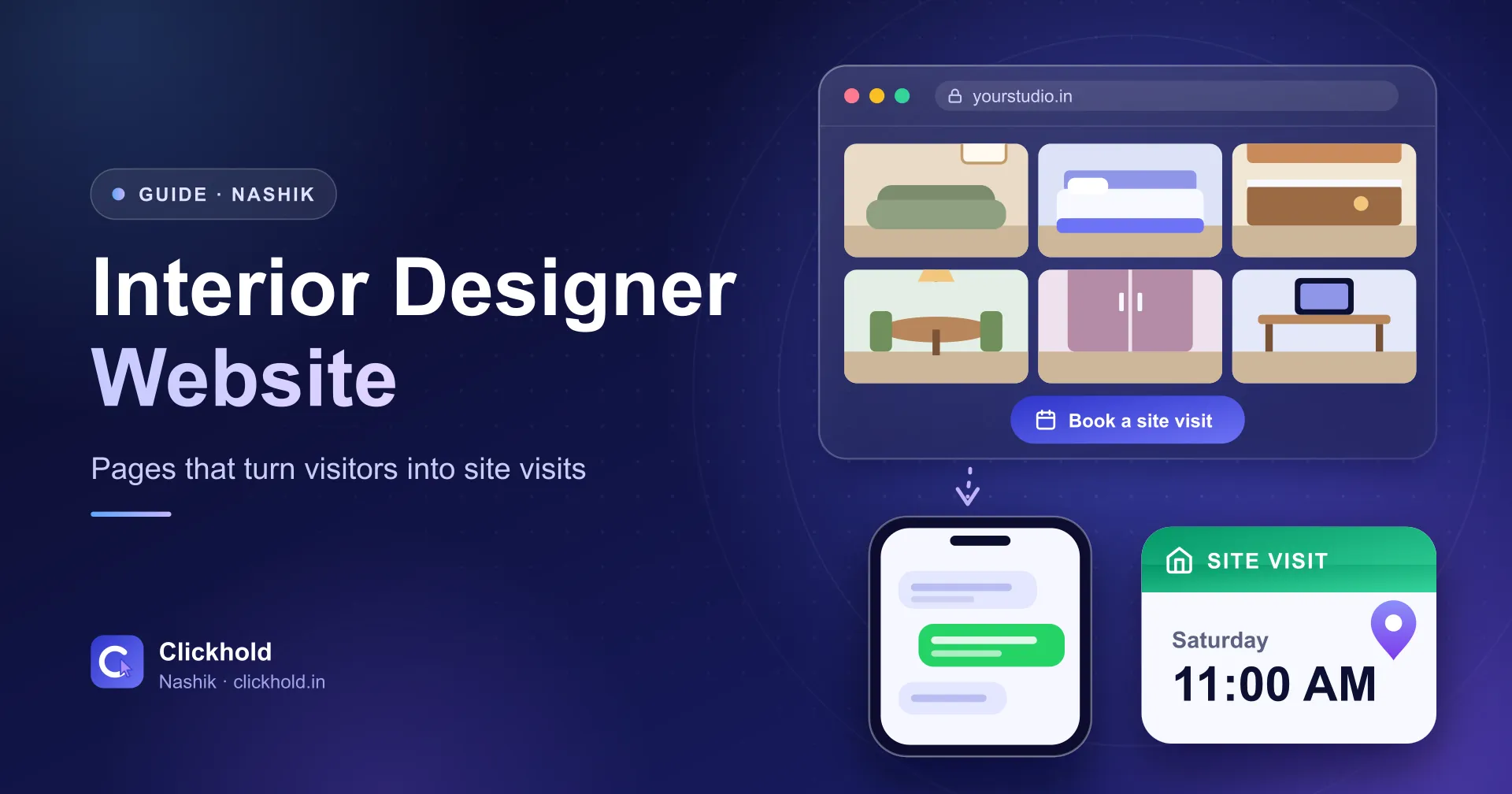
- Projects firstfinished work leads the home page
- 1 page eachevery project gets its own page
- WhatsAppone tap to start a conversation
- Site visitthe goal of every page
On this page
- 01What should an interior designer’s website do?
- 02Which pages does the site need?
- 03How should a single project page look?
- 04Where should the enquiry button go?
- 05How do you keep photos sharp but the site fast?
- 06How do you help people in Nashik find the site?
- 07What about Google Business Profile and Instagram?
- 08How can you check your site in ten minutes?
- 09Need a website like this?
Quick answer
A website for an interior designer in Nashik should show finished projects first, give each project its own page, and make it easy to message or book a site visit. Photos must load fast on a phone, and the same details should match your Google Business Profile. A business website with Clickhold starts from ₹5,999.
Key takeaways
- Lead with finished projects, not with a long 'about us'.
- Give each project its own page with the size, style and time it took.
- Put a WhatsApp button and a site-visit request on every page, especially on phones.
- Compress photos so the site loads fast on mobile data, and describe each one in the alt text.
- Keep your address, phone and timings the same on the website, Google profile and Instagram.
A website for an interior designer in Nashik should do one job: help a visitor decide to book a site visit. That means finished projects at the top, a full page for each project, a WhatsApp button that is always in reach, and photos that load fast on a phone.
I’m Uday from Clickhold. I build websites for local businesses in Nashik, and designers are some of the people who benefit most, because their work is visual and the decision is personal. Here is how I would plan the site page by page.
What should an interior designer’s website do?
It should turn a person who is looking at pictures into a person who books a visit. Nobody hires a designer from a headline. They look at finished rooms, check whether the style is theirs, and then want to talk.
So every page needs two things: proof (real projects) and a next step (message or book a visit). If a page has neither, it is probably not needed.
For a real example of what this can bring, read the case study of a Nashik interior designer’s portfolio website. It is based only on the designer’s own Google review.
Which pages does the site need?
Six to ten pages are enough. More pages do not help if they are thin.
- Home: three to six of your best projects, one line on who you are, and a site-visit button.
- Projects: a clean gallery, filtered by room type if you have many.
- One page per project: the heart of the website (see below).
- Services: full interiors, modular kitchens, wardrobes, renovation, whatever you actually do.
- About: your photo, your experience and how you work.
- Contact: phone, WhatsApp, address, timings and a short site-visit request form.
How should a single project page look?
Show the finished room first, then a few facts. Add the flat or house size, the style, the materials and how long the work took. Then more photos, ideally one wide shot of each room.
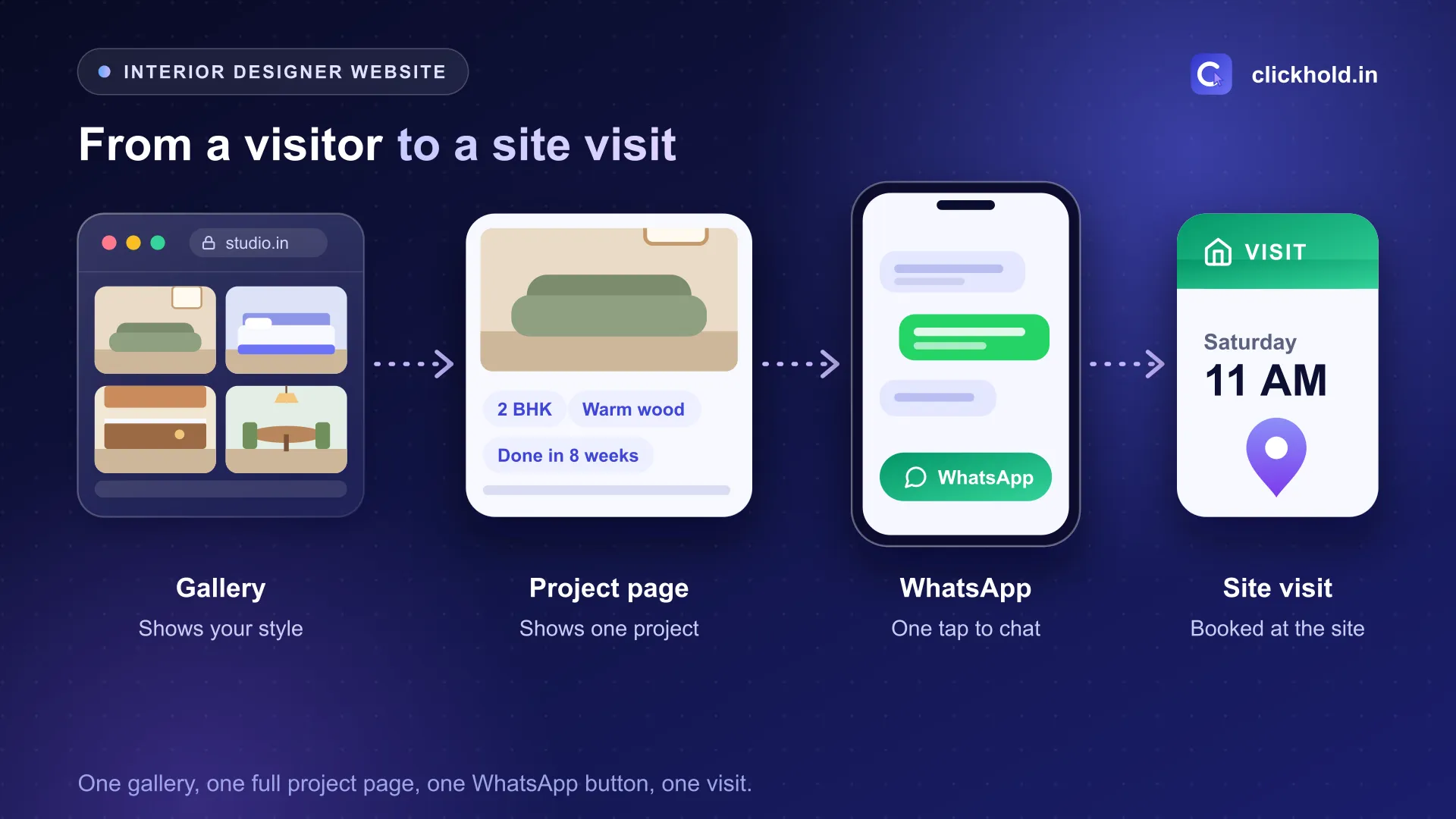
The path a visitor should be able to follow in under a minute.
Only use work you really did, and only show a client’s home if they agree. If you have a written review on Google, quote it word for word and name where it came from. Never invent one.
Where should the enquiry button go?
On every page, and always in reach on a phone. Most people in Nashik will open your site from a mobile, often from your Instagram link.
- A WhatsApp button that opens a chat with your number already filled in.
- A call button for people who prefer to talk.
- A short form that asks for name, phone, area and the type of work. Four fields are plenty.
A site visit is the real goal, so say it: “Book a site visit” works better than “Contact us”.
How do you keep photos sharp but the site fast?
Compress every photo before upload, and describe it in the alt text. Large camera files slow the page, and many visitors will leave if it takes too long on mobile data.
Google’s own guidance on image best practices says alt text is useful for understanding what a picture shows, and that file names should be short and descriptive. So “modular-kitchen-gangapur-road.jpg” beats “IMG_2034.jpg”, and alt text should say what the photo shows in plain words, not repeat a keyword.
How do you help people in Nashik find the site?
Match what people search for with what your pages say. People type things like “interior designer in Nashik”, “modular kitchen Nashik” or the name of an area. Your pages should say clearly which services you offer and which parts of Nashik you work in.
- Use one clear title per page, such as “Modular kitchen designs by [Your Studio], Nashik”.
- Write one honest paragraph per project: what the client needed and what you did.
- Link related pages to each other, for example a kitchen project to your kitchen service.
My guide on how much SEO costs per month in Nashik explains what to expect from SEO and how to judge it. Nobody can honestly promise a rank, so be careful of anyone who does.
What about Google Business Profile and Instagram?
Keep the details identical everywhere. Your name, address, phone number and timings should be the same on the website, your Google Business Profile and Instagram.
A complete Google Business Profile with real project photos helps people who search on Google Maps. Link it to your website, and link your website from Instagram. If your profile is not showing properly, my post on why a business does not show on Google Maps lists the usual reasons.
How can you check your site in ten minutes?
Open your website on your own phone and go through this list:
- Can you see finished projects without scrolling much?
- Does each project have its own page with size, style and time taken?
- Is there a WhatsApp or call button on every page?
- Does the page open in a few seconds on mobile data?
- Do your address and phone match your Google profile?
- Is there a clear “Book a site visit” step?
If you answer “no” to two or more, that is where I would start.
Need a website like this?
I build business websites in Nashik that start from ₹5,999, with the pages, photos and WhatsApp buttons above. If you already have a site, our free website and SEO audit shows what is missing, with no obligation to switch.
WhatsApp me with your area and the kind of projects you do, and I will tell you honestly what your site needs first.
Want us to look at your business?
Send a WhatsApp message – you'll get honest advice and a clear, written price.
Frequently asked questions
Does an interior designer in Nashik need a website if they have Instagram?
Yes, in most cases. Instagram shows your latest work, but a website holds full projects in one place, can appear in Google searches and belongs to you. Many designers use both and link Instagram to the site.
Which pages does an interior designer's website need?
A home page, a projects page, one page per project, a services page, an about page and a contact page with a site-visit request. Six to ten pages is enough to start.
How many photos should a project page have?
Six to twelve good photos per project is usually enough, with a short line on the size, style and time taken. Quality and clear light matter more than a large number.
Should I show prices on an interior designer website?
You do not have to. Many designers explain what affects the price, such as size, materials and timeline, and invite a site visit for a quote. Never show a price you cannot stand behind.
How much does a website for an interior designer cost?
A business website with Clickhold starts from ₹5,999 for 6–10 pages. The final quote depends on the pages and features you need, and you get a fixed quote before any work starts.